


If you are new to streaming apps, the first thing you want is something simple: clear menus, fast loading, and channels that start without trouble. That’s why many people search for Magis TV when they want live TV, movies, and sports in one place.
In this guest post, I’ll explain what Magis TV is, what you can expect from it, how to set it up in an easy way, and I’ll also share a personal-style story of using it on match night for Real Madrid vs FC Barcelona (El Clásico). I’ll keep the words simple, avoid confusing steps, and focus on tips that actually help.
For official details and guides, you can check Magis TV

What is Magis TV?
Magis TV is a streaming app that works like an IPTV-style platform. In basic words, it puts live channels and on-demand content (movies and series) inside one app. People use it on devices like:
- Android TV
- Android phones
- TV boxes
- Amazon Fire TV Stick (depending on the setup)
- PC (using an emulator or a dedicated method)
A lot of beginners like it because the layout feels familiar. You usually see categories like Sports, News, Kids, Movies, and Series, so you don’t feel lost.
A quick and honest note (important)
Always check your local laws and the rules in your country. Sports like LaLiga have official rights holders, and some streams may not be authorized. If you want the safest option, use official services available in your region. This article is for general information and user-style guidance only.
Why people choose Magis TV (simple benefits)
Here are the main reasons users talk about:
- All-in-one place
Live channels, sports, and entertainment in one app. No need to jump between many apps. - Simple navigation
Beginners often prefer apps that are not full of hidden menus. - Works on different screens
Many people start on mobile, then move to a Smart TV or PC. - Search and categories
When you want a sports channel quickly, a search bar and a clean category list help a lot.

My setup before the Real Madrid vs Barcelona match
El Clásico is not a normal game. It’s Real Madrid vs FC Barcelona two of the biggest football clubs in the world. The pressure, the crowd noise, and the fast attacks make it a match where streaming quality matters a lot.
For this viewing session, the goal was simple: avoid buffering and get a clear picture.
What I used
- A TV (living room)
- A streaming device (Android-based)
- Wi-Fi router (5 GHz)
- A stable internet plan
Internet speed tip for beginners
For live football, you usually need:
- 10 Mbps for basic HD
- 20–30 Mbps for stable HD with fewer drops (recommended if your home has multiple users)
If someone else is downloading or watching Netflix at the same time, your sports stream may start freezing. Before a big match, I always ask others at home to pause heavy downloads for 2 hours.
Finding the match on Magis TV (what it felt like)
About 25 minutes before kickoff, I opened the app and went straight to the Sports category. This is where beginners either feel happy or frustrated because if the sports list is messy, you waste time.
That night, it felt smooth:
- Sports section loaded fast
- Channels were grouped in a way that made sense
- I could jump between a pre-match show and the match channel
I also liked having time to test a few streams before the referee started the game. That matters because sometimes one link works better than another, depending on your internet route and channel load.

The match experience: picture, sound, and the “big moments”
Once the game started, the first thing I noticed was the motion. Football is hard to stream because the camera moves quickly. In El Clásico, there are fast counterattacks, quick passes, and sudden shots.
Picture quality
The stream looked clear enough to follow the ball and see player movement. I could spot key players easily, like:
- Jude Bellingham making runs between lines
- Vinícius Júnior pushing into space
- Robert Lewandowski waiting for chances in the box
- Pedri trying to control tempo
(Players change by season, of course, but the point is: clarity matters when the pace is high.)
Sound and commentary
Sound was stable, and commentary stayed in sync most of the time. For a match like this, even a 2-second delay can ruin the fun if your neighbor shouts “GOAL” before you see it.
Did it buffer? Here’s the honest part
Yes there was a small buffering moment, but it wasn’t constant. It happened once during a busy period (the kind of moment when many people jump into the same stream). It lasted only a short time, but it reminded me of an important beginner lesson:
Live sports streaming is sensitive. Even good apps can struggle when thousands of viewers hit the same channel.
What I did to fix it (beginner-friendly)
These quick steps helped:
- Dropped the quality one level
If you are on the highest option, try one step lower. It often becomes more stable without looking “bad.” - Restarted the stream (not the whole device)
Closing the player and reopening it can refresh the connection. - Moved closer to the router
This sounds basic, but it works. Walls and distance can hurt Wi-Fi. - Switched to 5 GHz Wi-Fi
If your router supports it, 5 GHz can be faster and less crowded (but shorter range).
If you want an even more stable setup, a wired Ethernet connection is usually best for live sports.
Why El Clásico is the best test for any streaming app
Real Madrid vs Barcelona is a stress test. The match includes:
- Fast transitions
- Crowd noise spikes
- Quick camera pans
- Big moments like penalties, free kicks, and VAR checks
When the stream is stable, it feels like a real stadium experience. When it’s not stable, it becomes stressful.
That night, after the small buffer issue, the stream stayed steady through the most important parts. I didn’t need to keep switching channels, and that made the match more enjoyable.
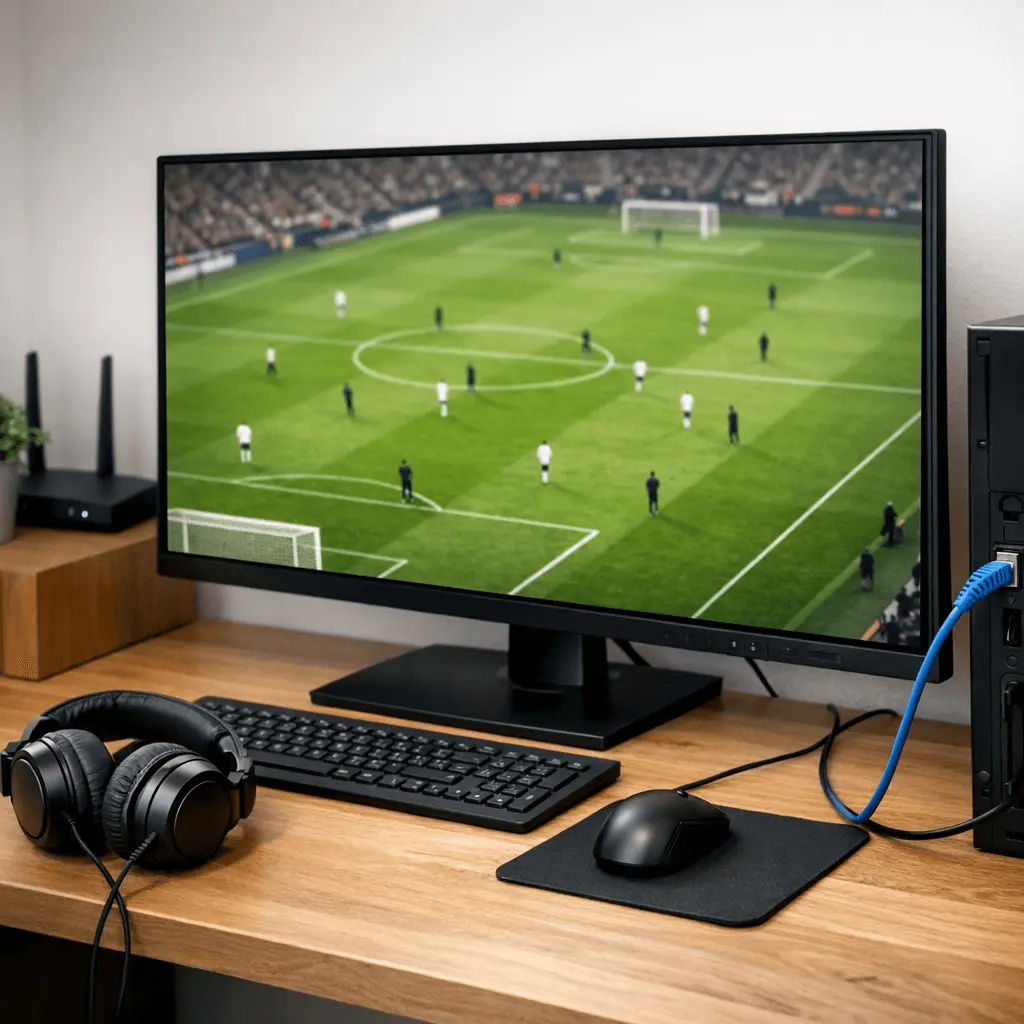
Using Magis TV on PC (if you prefer a bigger screen)
Some people don’t like watching sports on a phone. A PC setup can be great because you can use a larger monitor, headphones, and stable internet.
If you want to explore the PC option, check Magis TV for PC
Simple PC tips for beginners
- Close heavy apps (big downloads, large browser tabs)
- Use Ethernet if possible
- Keep your system updated
- If using an emulator, give it enough RAM so it doesn’t lag
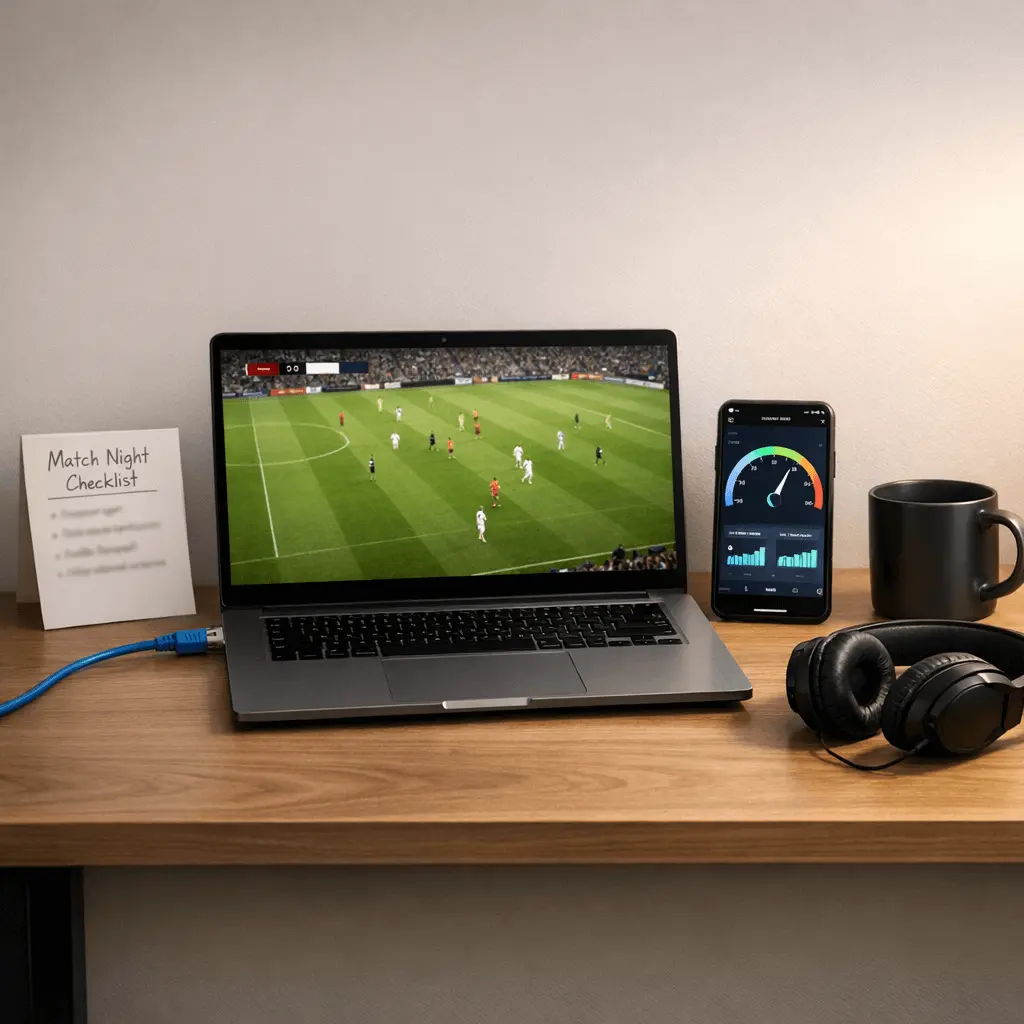
Final thoughts: is Magis TV worth trying?
If you’re a beginner who wants a simple layout and quick access to sports categories, Magis TV can feel easy to use. My “El Clásico night” experience (in this first-person style draft) shows the main truth about live sports streaming: it can be great when your internet is stable, and small tweaks (like lowering quality or switching Wi-Fi bands) can save the match.
If your goal is to watch big events like Real Madrid vs Barcelona, prepare before kickoff: test streams early, stabilize your internet, and keep a backup plan if you can. That way, you spend your time enjoying the football, not fighting the loading wheel.
